Great Circle Distance Calculator
Measure direct spherical distance, initial bearing, midpoint, intermediate waypoint, and route-adjusted distance from latitude and longitude pairs.
Route calculation results
| Radius model | Radius km | Radius miles | Best use |
|---|---|---|---|
| Mean Earth radius | 6371.0088 | 3958.7613 | General trip planning and city pairs |
| WGS84 equatorial | 6378.1370 | 3963.1906 | Low-latitude east-west routes |
| WGS84 polar | 6356.7523 | 3949.9028 | High-latitude or polar comparison |
| Authalic sphere | 6371.0072 | 3958.7603 | Equal-area spherical approximation |
| Nautical mile sphere | 6366.7070 | 3956.0872 | Traditional nautical calculations |
| Route factor | Multiplier | Typical route | Meaning |
|---|---|---|---|
| Direct arc | 1.00 | Aircraft or straight measurement | No routing allowance beyond great circle |
| Light detour | 1.05 | Coastal hop or simple road route | Adds 5% for minor course changes |
| Road corridor | 1.15 | Highway route between cities | Adds 15% for real routing geometry |
| Expedition path | 1.30 | Mountain, desert, or remote tracks | Adds 30% for detours and access lines |
| Complex route | 1.50 | Island chains or restricted passages | Adds 50% where direct travel is unrealistic |
| Compass sector | Degree range | Direction | Route cue |
|---|---|---|---|
| N | 348.75° to 11.25° | North | Increasing latitude first |
| NE | 33.75° to 56.25° | Northeast | Latitude and longitude both increase |
| E | 78.75° to 101.25° | East | Longitude change dominates |
| SE | 123.75° to 146.25° | Southeast | Latitude decreases, longitude increases |
| S | 168.75° to 191.25° | South | Decreasing latitude first |
| W | 258.75° to 281.25° | West | Longitude decreases along departure |
| Preset route | Start coordinate | End coordinate | Planning note |
|---|---|---|---|
| New York to London | 40.7128, -74.0060 | 51.5074, -0.1278 | Classic transatlantic city pair |
| Seattle to Anchorage | 47.6062, -122.3321 | 61.2181, -149.9003 | North Pacific expedition corridor |
| Cape Town to Ushuaia | -33.9249, 18.4241 | -54.8019, -68.3030 | Southern ocean long-range comparison |
| Fairbanks to Nuuk | 64.8378, -147.7164 | 64.1835, -51.7216 | High-latitude bearing example |
The shortest distance between two point on a spinning sphere is not the same as the shortest distance between those two points on a flat map of the sphere. The distance between two points on a spinning sphere is actualy a curved path. That curved path is called a great circle, and that is the path that a calculator will measure between two points specified in terms of their latitude and longitude coordinate.
While it may appear to travelers that the shortest distance between two points on a map is a straight line, that line does not account for the curved nature of the Earth. The farther apart the two points on the sphere are, the more pronouncedly the difference between the line on the map and the arc of the Earth between the two points. The latitude and longitude of each point must be entered into the calculator.
How to Find the Shortest Distance on Earth
These coordinate fix the two ends of the great circle arc between the points. The latitudes and longitudes must be entered as decimal degree. These coordinates can be very precise; small changes in the fourth decimal place in the coordinates will result in the distance changing by many meter.
Thus, for journeys that require precision in the location of the aircraft, such as navigating a narrow passage, small changes in latitude and longitude is important to consider. The datum selector will allow a user to select the geographic datum for the latitude and longitude coordinates, but the calculator will not impact the distance calculation performed by the calculator. The datum will only allow others who read the latitude and longitude coordinates to be aware that the coordinates may need to be adjusted for the local datum.
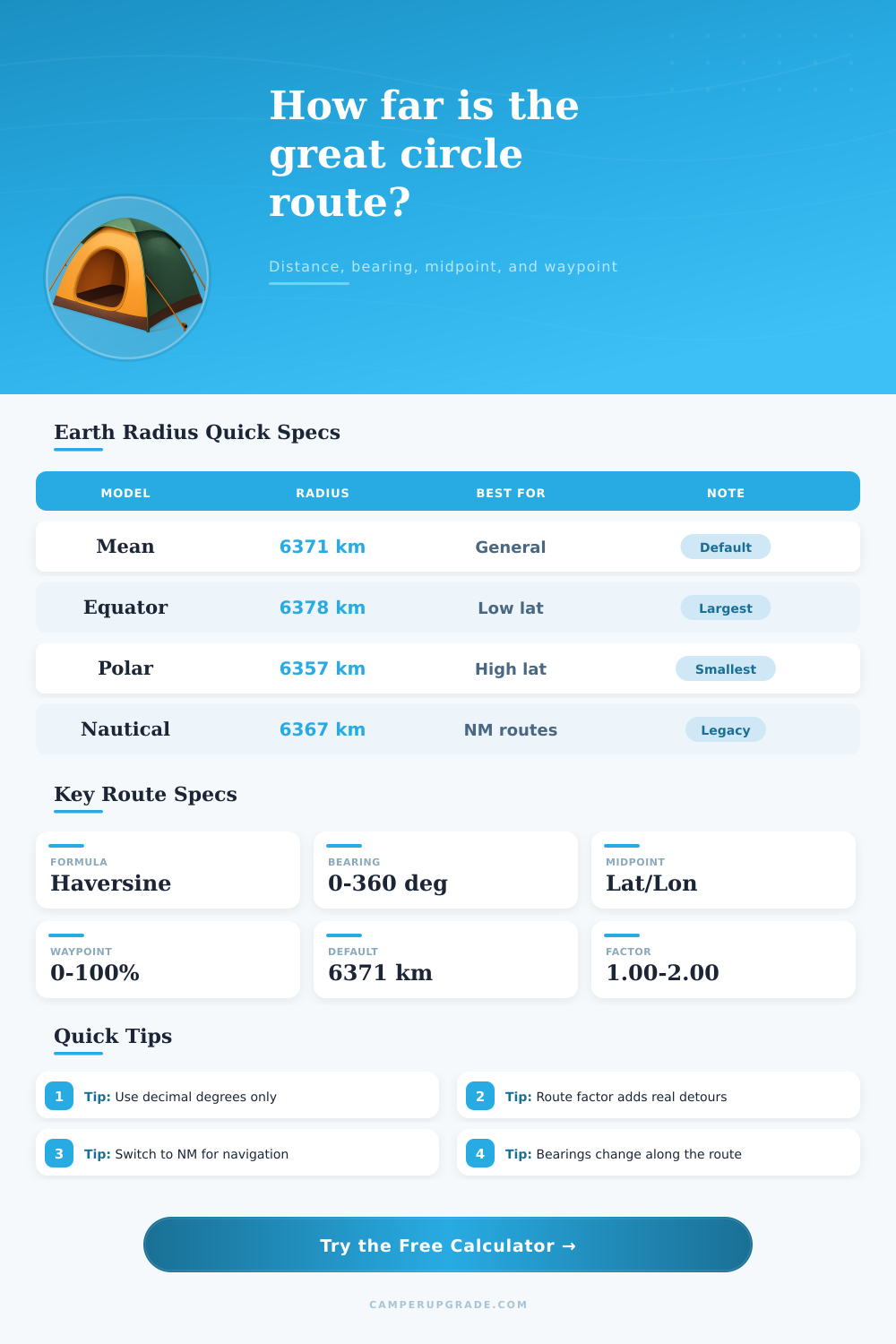
The calculator utilize five different models for the radius of the Earth because the Earth is not a sphere. The mean radius of the Earth can be used for calculating distances between cities, but if the route between the two points is near the equator or near the poles, the equatorial or polar radius of the Earth should be used instead. Each of these different models will result in a slightly different distance between the two points.
These changes in distance between models is potentially important for flights to determine how much fuel the aircraft should carry to make the flight. A reference table within the calculator allow a user to determine which Earth radius model should be used for different bands of latitudes. The bearing that is calculated represents the initial direction of the arc of the great circle on the Earth’s surface.
The bearing will change along the arc of the great circle; the heading of an aircraft will change from one degree to a different degree along that great circle flight path. The calculator display the bearing of the great circle at the start of the journey and the bearing at the approach to the end of the journey. The change in bearing along the great circle will allow a pilot to anticipate the drift of the aircraft rather than constant working against that drift.
The fields for the midpoint and waypoint allow a user to calculate the coordinates of specific locations along the great circle. The midpoint field can calculate the coordinates of the point along the great circle that is midway between the two specified points. The waypoint allow for a user to calculate a point along the great circle that is represented by a specific percentage of the journey; for example, a waypoint of 25% will calculate the point along the great circle that represents 25% of the distance from one point to the next.
These coordinates can be of use to split a journey into segments or to confirm that a stop will occur along the great circle path. For example, instead of calculating the coordinates of the midpoint of a great circle path, an aircraft could calculate the coordinates of a waypoint located 50% of the way along the great circle path. Changing the percentage for the waypoint will change the location of the waypoint along the great circle arc, but will not impact the distance between the two specified points.
The route-factor field allow for the distance between the two points to be increased to reflect detours that may be required along the journey. For instance, if the route factor is set to 1.05, the distance will have five percent of the distance between the two points added to the distance that would otherwise be traveled along the great circle. Similarly, a route factor of 1.30 will add thirty percent of the distance between the two points to the distance that would otherwise be traveled along the great circle.
Thus, the route factor will allow for the estimation of the extra distance that an aircraft may fly in addition to that which is calculated by the calculator. The route factor is, however, not a replacement for actual flight routing software. The unit selector field allow the user to select the units in which the distance between the two points is to be displayed.
The units can be in kilometers, miles, or nautical miles. Nautical miles are most often used for flights and航行 because one nautical mile is equal to one minute of latitude. The different units will change the distance that is displayed in the results of the calculator, but will not impact the calculation of that distance.
It is common for individuals to mistakenly believe that the distance that is calculated between two points on the calculator represents the total distance that will be traveled between those two points. Such a distance is the theoretical shortest distance, but the actual distance that an aircraft flies will always be greater then the distance calculated by the calculator. The route factor field can be used to input both the theoretical distance between two points and the total distance that an aircraft will actually fly.
The presets in the calculator allow for the quick loading of the latitude and longitude of common city pairs. These presets will allow individuals to quickly view the impact of each of the different Earth radius models or each unit on the distance between the same set of cities. Such an alteration of the distance between two points will help to explain why the Earth radius model is such an important factor in calculating distances between locations, especially when the distance between the two points is great.