Bearing Between Coordinates Calculator
Calculate initial true bearing, magnetic bearing, final bearing, great-circle distance, and route offset notes from start and end coordinates.
Bearing estimate
| Format | Latitude example | Longitude example | Parsing note |
|---|---|---|---|
| Decimal degrees | 39.7392 | -104.9903 | South and west are negative |
| Degrees minutes | 39 44.352 N | 104 59.418 W | Minutes may be decimal |
| DMS | 39 44 21.1 N | 104 59 25.1 W | Seconds may be decimal |
| Auto detect | N39 44.352 | W104 59.418 | Letters set hemisphere |
| Output | Formula idea | Best use | Watch point |
|---|---|---|---|
| Initial true bearing | Start course on sphere | Map and GPS planning | Changes over long routes |
| Magnetic bearing | True minus declination | Compass course estimate | Declination varies by place |
| Compass bearing | Magnetic plus correction | Adjusted handheld compass | Device deviation is local |
| Final bearing | Reverse course plus 180 | Arrival alignment | Can differ from initial |
| Unit | From kilometers | Common use | Display |
|---|---|---|---|
| Kilometers | km x 1 | Metric road atlases | km |
| Miles | km x 0.621371 | US road planning | mi |
| Nautical miles | km x 0.539957 | Marine and air nav | nm |
| Radians | central angle | Formula check | internal only |
| Preset route | Start area | End area | Typical nav note |
|---|---|---|---|
| Denver to Moab | Colorado Front Range | Utah canyon country | Declination is east-positive |
| Yosemite to Tahoe | Sierra Nevada south | Sierra Nevada north | Bearing bends northward |
| Big Bend to Marfa | Chisos region | High desert | Short leg, small bearing change |
| Seattle to Olympic | Puget Sound | Olympic Peninsula | Ferry offsets can matter |
| Banff to Jasper | Bow Valley | Icefields Parkway | Mountain route differs from GC |
Planning a route through an unfamiliar country requires the understanding of the bearing from one location to another. The bearing will tell you in what direction to point you vehicle or boat. Additionally, the bearing will tell you the distance you will travel if you travel in a straight line across the curved Earths surface.
The calculator will complete the mathematical calculation for you after you enter your coordinates, magnetic declination, and side offset. However, it is important to understand why these parameter are important. The true bearing will tell you the direction from your current location to your destination using true north.
How to Find Direction and Distance Between Two Places
True north is the direction towards the geographic North Pole. For maps and GPS coordinate, the true bearing will always present the same reading. The magnetic bearing will show the direction in which your compass will point.
The Earths magnetic north is slightly offset from the Earths rotational axis. Thus, the difference between true north and magnetic north will change according to your location and over time. This difference is called declination.
Enter a positive number if magnetic north is east of true north. Enter a negative number if magnetic north is west of true north. The calculator will subtract the declination from the true bearing for you so that the result is the magnetic bearing that your compass will show.
The calculator presents the final bearing to you when you arrive at your destination. For short distance, the initial bearing will be the same as the final bearing. For long distances, the final bearing will be noticeably different than the initial bearing.
Because of the curvature of the Earth, your direction will have changed relative to the map grid. This difference is useful because it will tell you which way to turn when you reach your waymarks. The calculator will also provide the distance of the great circle route between the two coordinates that you entered.
The great-circle distance is the shortest distance between two points on a sphere like Earth. The calculator will convert this distance to the unit of measurement that you specify. This distance will allow you to calculate the time it will take to complete the journey.
However, it will not provide that time for you. A waypoint offset can be used if your final destination is not located directly on the great circle route. You can specify the waypoint in the calculator in terms of distance from your final destination and whether it is to the left or the right of the main route.
The adjusted distance will tell you the total distance you will travel including the waypoint. The offset parameter will also allow you to define the heading to take for the waypoint segment of your journey. To calculate the bearing between two locations, both sets of coordinates must be from the same datum.
The datum is the model that is used to translate the Earths curved model to a series of number. Most GPS devices use the WGS84 datum. Most topographic maps use the NAD83 datum.
Though these two datums is similar for recreational use of the Earths features, they can have a significant shift in relation to each other in terms of coordinates. For finding a specific location on a map, the datum can matter. When driving a car, the datum is unlikely to matter.
This datum selector ensures that you select the same datum for both location. Using the bearing instead of turn-by-turn navigation will allow you to remain oriented on the map even if the route is altered. Should a road be closed, your bearing will allow you to see how far you have drifted from your original route.
Using bearings is especially important for those who travel by boat or by air because missing a navigation waypoint will leave a traveler without any waymarks to follow. The calculator will provide you with the raw numbers that you will need for navigation. However, you are responsible for entering the bearing into your compass so that your vehicle heads in the appropriate direction.
Magnetic declination is not a fixed number. The magnetic declination changes every year and the rate of change will vary with location. In some parts of the Earth, the magnetic declination will change very slightly over time.
In other parts of the Earth near the magnetic poles, the magnetic declination will change by several degrees over a decade. You are responsible for entering the current magnetic declination into the calculator. The final bearing will not be the same as the initial bearing.
You will calculate the final bearing by reversing the initial bearing; adding 180 degree to the initial bearing. These two bearings will be the same for journeys of only a few hundred mile. However, for transcontinental journeys, the final bearing will differ from the initial bearing.
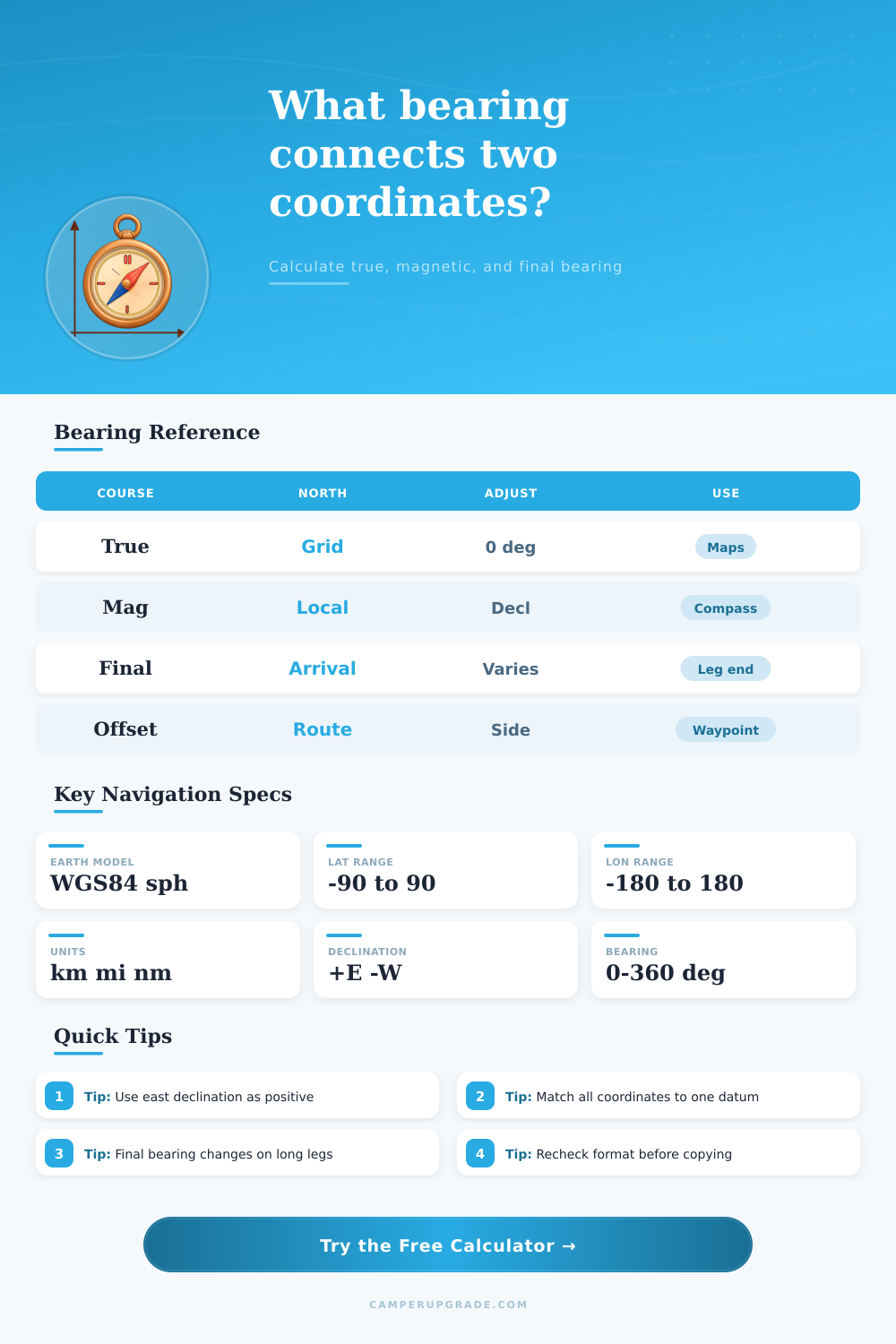
This shift is not an error in the calculations; it is the result of the Earths curvature. The reference tables below the input fields are provided for quick checks of your coordinates and calculations. The first table will allow you to quickly write your coordinates in decimal degrees or in degrees, minutes, and seconds.
The second table will allow you to quickly understand the relationship between true bearing, magnetic bearing, and compass bearing. The third table will convert the distance in kilometers, statute miles, and nautical miles. These tables will help you to avoid misreading any coordinates and using the wrong conversions for distances between locations.
This tool will be useful for comparing the bearing to the actual ground and conditions around your vehicle. A headwind or an object made of metal close to the compass will impact the direction of the vehicle. The calculator does not take into account the effect of a headwind or metal object on the vehicles bearing.
You are responsible for entering the coordinates, noting the true bearing, distance, and your actual heading as you travel. This tool removes the math for you so that you can focus on driving your vehicle.