Generator Runtime Calculator
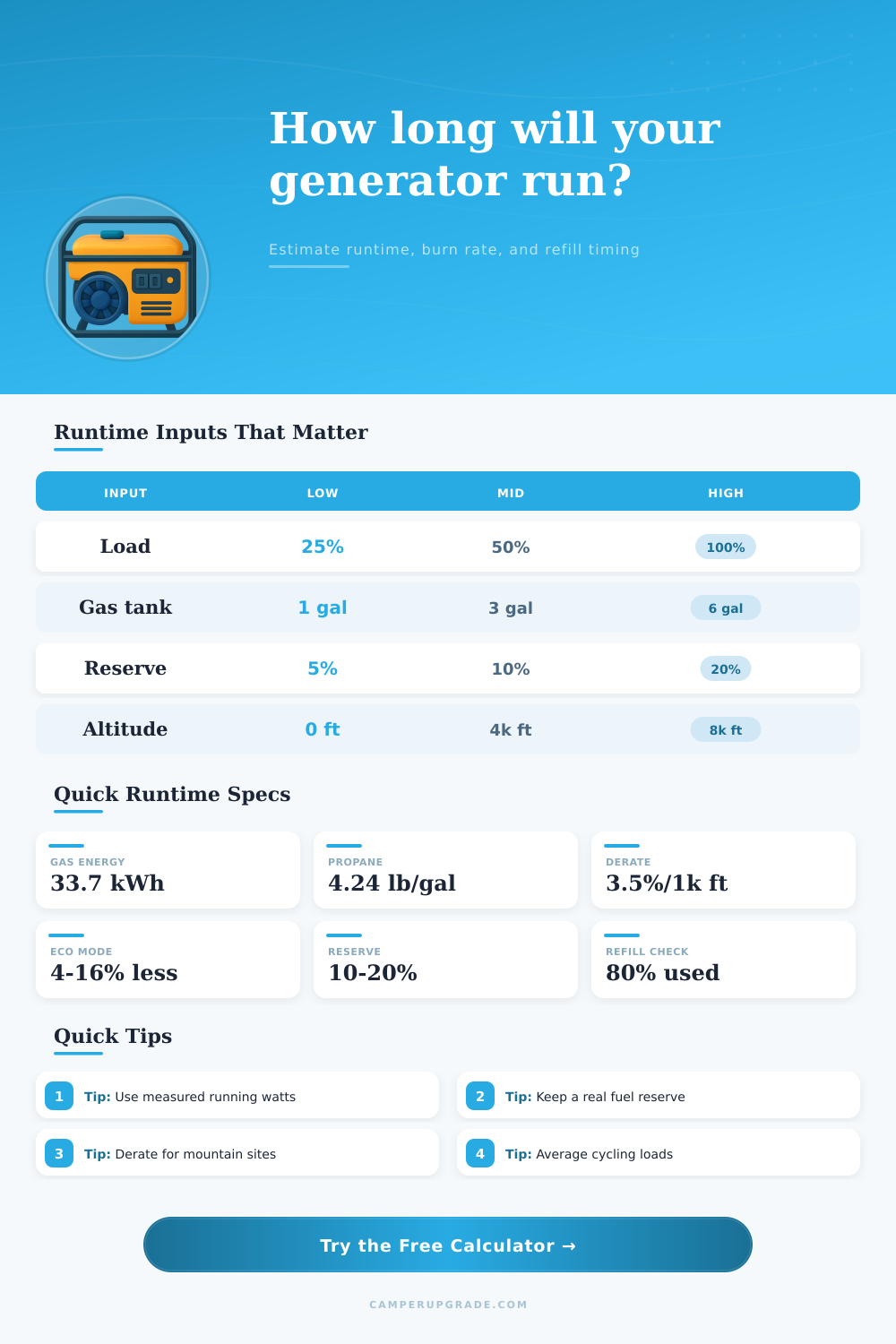
Estimate camping generator runtime, usable energy, fuel burn, and refill timing from tank size, fuel type, load, burn curve, reserve fuel, altitude, and eco mode.
Generator runtime estimate
| Generator class | 25% load | 50% load | 100% load |
|---|---|---|---|
| 2,000 W gasoline inverter | 0.10-0.15 gal/hr | 0.16-0.24 gal/hr | 0.32-0.45 gal/hr |
| 3,500 W gasoline inverter | 0.16-0.22 gal/hr | 0.28-0.40 gal/hr | 0.60-0.85 gal/hr |
| 4,500 W gasoline open frame | 0.22-0.32 gal/hr | 0.42-0.58 gal/hr | 0.85-1.15 gal/hr |
| 5,500 W RV onboard gas | 0.24-0.36 gal/hr | 0.45-0.70 gal/hr | 0.90-1.30 gal/hr |
| 6,000 W diesel onboard | 0.18-0.28 gal/hr | 0.35-0.55 gal/hr | 0.75-1.05 gal/hr |
| 3,600 W propane portable | 0.8-1.3 lb/hr | 1.5-2.2 lb/hr | 3.0-4.0 lb/hr |
| Fuel setup | Amount | Energy reference | Runtime note |
|---|---|---|---|
| Small gasoline tank | 1.0 gal | 33.7 kWh thermal | Good for light inverter loads |
| Portable gas tank | 3.4 gal | 114.6 kWh thermal | Common 3,000-4,000 W size |
| Large open-frame gas tank | 6.0 gal | 202.2 kWh thermal | Longer run, heavier burn |
| Propane exchange cylinder | 20 lb | About 4.7 gal propane | Runtime falls in cold weather |
| RV propane cylinder pair | 40 lb | About 9.4 gal propane | Share fuel with furnace use |
| Diesel coach tank reserve | 20 gal | 746 kWh thermal | Often limited by low-pickup tube |
| Campsite altitude | Derate at 3.5%/1k ft | 3,500 W effective | Load planning note |
|---|---|---|---|
| 1,000 ft | 0% | 3,500 W | Rated load baseline |
| 3,000 ft | 7% | 3,255 W | Leave more surge margin |
| 5,000 ft | 14% | 3,010 W | AC starts may need soft start |
| 7,000 ft | 21% | 2,765 W | Reduce simultaneous loads |
| 9,000 ft | 28% | 2,520 W | Heavy appliances may overload |
| Camping load | Typical running watts | Duty factor | Runtime impact |
|---|---|---|---|
| 13.5k BTU rooftop AC | 1,300-1,800 W | 45-85% | Dominant fuel user in summer |
| Converter charging batteries | 300-1,200 W | 40-100% | Tapers as battery fills |
| Microwave | 1,000-1,600 W | 5-20% | Short high-load bursts |
| Residential fridge | 120-250 W | 30-60% | Low average, startup spikes |
| CPAP plus fan | 80-180 W | 80-100% | Stable overnight load |
| Electric water heater | 1,200-1,500 W | 20-60% | Often worth scheduling alone |
A generator runtime calculator allow you to calculate the length of time that a generator will run based on several differents inputs. The calculator is useful because the runtime of a generator can change based on several different factors, including the fuel type of the generator, the amount of fuel that is in the generator, the load that are running from the generator, and the altitude at which you are running the generator. In order to use the generator runtime calculator effectivly, you must understand each of these different factor.
The calculator will only provide you with an accurate estimate of the length of time that your generator will run if you provide the calculator with accurate information regarding each of these factors. The first variable to enter into the runtime calculator is the fuel type of your generator. The three most common fuel types for generators are gasoline, diesel, and propane fuel.
How to Use a Generator Run Time Calculator
Each of these fuels contain a different amount of energy per unit volume of fuel. For these reason, when you enter a fuel type into the calculator, the calculator makes adjustments to its calculations to reflect the energy content of that type of fuel. The amount of fuel that you enter into the calculator is the amount of fuel that you have in your generator at the beginning of your estimated runtime.
It is common for individuals to choose to reserve some of the fuel that they have for emergencies. The amount of fuel that is reserved is called the fuel reserve. When you enter the fuel amount into the calculator, it do not consider the fuel that is reserved for emergencies as fuel that is available for running the generator.
The load of the generator is the amount of electrical power that the appliance that are running from the generator draws. You will have to enter both the rated output of your generator and the actual running load of the devices that you are using. The rated output is the maximum electrical power that can be drawn from the generator.
The actual running load is the total power drawn by the devices that are turned on. Additionally, the load that your generator produce will differ at high altitudes from the load that it can produce at sea level. This difference in power out put is referred to as altitude derating.
For these reasons, you will have to enter the altitude at which your generator will be running into the calculator. The duty cycle of the generator and the settings for eco mode will make the generator runtime calculations more accurate for your specific applications. Many appliances has varying loads; for example, an air conditioner may draw a significant amount of power when it is turning on, but it draws little power when it is idling.
In these situations, the duty cycle will allow you to enter the percentage of the time that each appliance will be running versus off. Additionally, eco mode will allow you to set the generator to reduce its engine speed when there is little load on the generator. When you use eco mode settings on the generator, the engine burn fuel at a reduced rate.
The generator will allow you to enter a saving percentage that reflects the reduction in the rate at which the generator burns fuel in eco mode. The burn rate of the generator is another important variable that you must enter into the calculator. You will not use a single burn rate.
Instead, you will have to enter three burn rates: the burn rate at 25 percent of the generator’s load, the burn rate at 50 percent of its load, and the burn rate at 100 percent of its load. The generator runtime calculator create a curve that displays the burn rate at any percentage of its load. This information will help to ensure that you calculate the amount of fuel that your generator will use at 30 percent of its load differently than you calculate its fuel use at 60 percent of its load.
The last variable that the generator runtime calculator will ask for is the overhead percentage. Any inverter charger or other power conversion process that transfers power from the generator to your devices will lose some of that power to heat and other non-useful outputs. The percentage of that lost power is the overhead percentage.
You will have to enter the overhead percentage into the calculator; this will allow the calculator to provide you with the amount of energy that will reach your devices. The resulting number will be the usable kilowatt-hours of energy from the generator. Finally, with all of the different variables entered into the runtime calculator, you can use the calculator to determine the time at which you should refill the generator’s fuel tank.
You should check the level of the fuel in your generator when you have used 80 percent of the runtime that the calculator calculated for you. By checking the fuel level at 80 percent of the calculated runtime, you allow yourself a safety margin in case you need to use some of the fuel to start the generator. Additionally, using this strategy will allow you to make sure that the fuel level indicated by the generators fuel gauge is accurate since some fuel is used to start the generator.
This strategy will work best at high altitudes because the generator will use fuel at a different rate then at sea level. By following these steps and entering these variables into your generator runtime calculator, you will have a baseline from which to plan your generator use.